Your AI-powered data analyst for Sheets.

Import, clean, analyze, and transform data in Google Sheets using simple natural language. No formulas. No scripts. Just ask.
  • Live in minutes

  • 10-day free trial 

  • Cancel anytime 

  • Live in minutes

  • 10-day free trial 

  • Cancel anytime 

TRUSTED BY 1000+ BUSINESSES

TRUSTED BY 1000+ BUSINESSES

TRUSTED BY 1000+ BUSINESSES

Features

Features

POWERFUL CAPABILITIES

AI-Powered

Clean

Clean

POWERFUL CAPABILITIES

Automatically cleans and fixes data

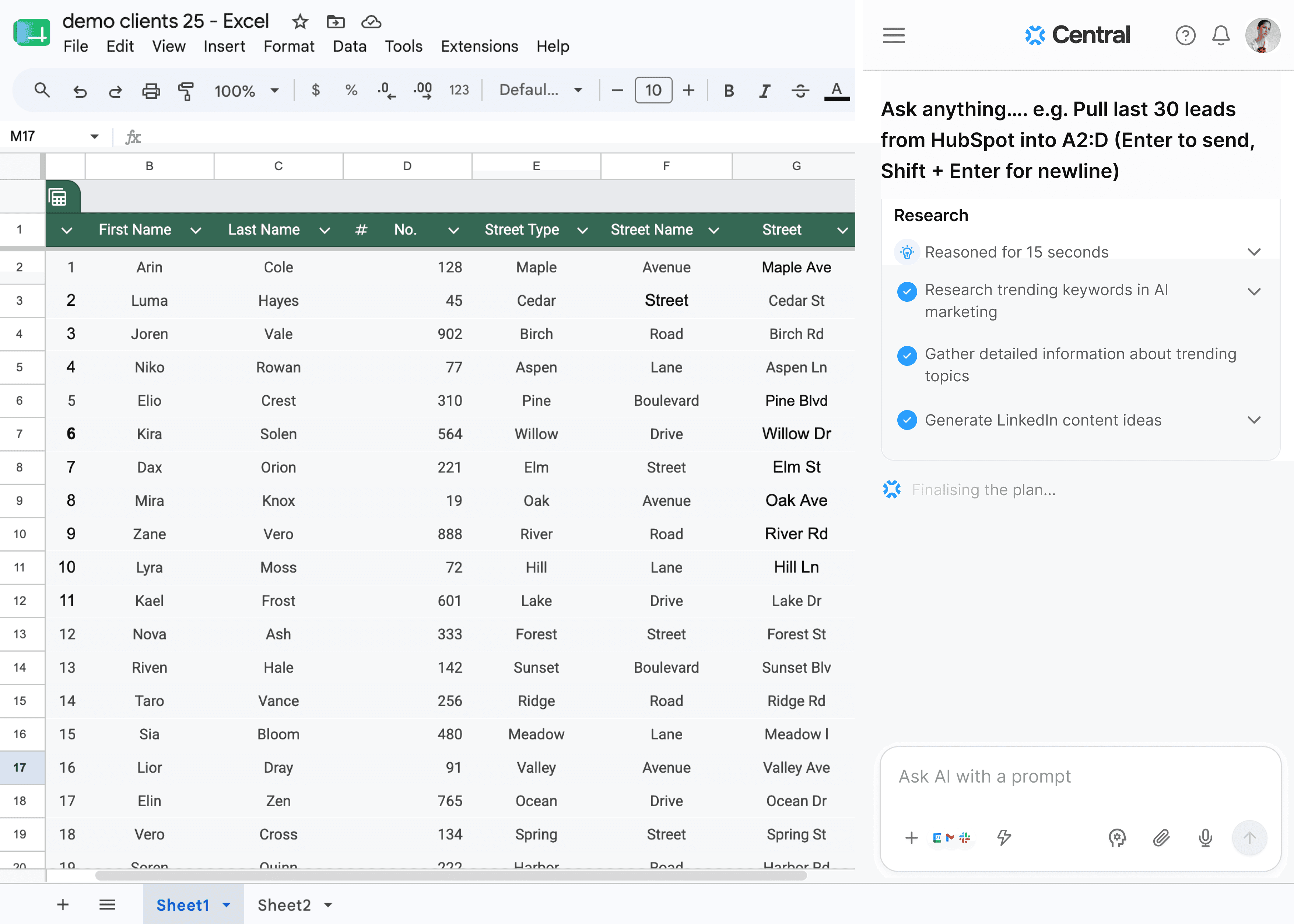
Remove duplicates, trim whitespace, standardize formats, and fix messy data. Ask Central shows you a summary of every change — original rows, duplicates found, cleaned rows — before applying anything.

Analyze

Analyze

POWERFUL CAPABILITIES

Identifies trends and generates reports

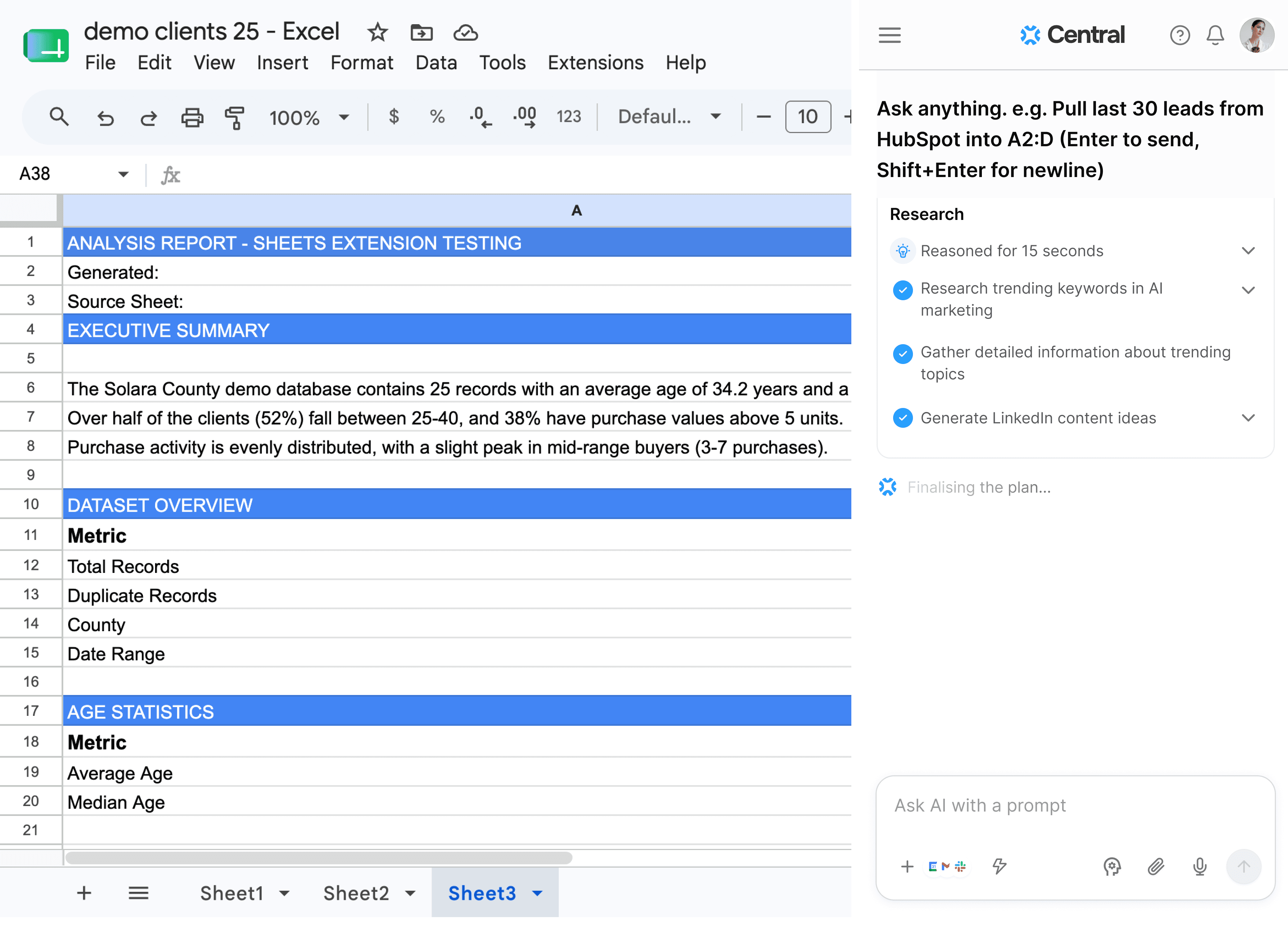
Ask Central generates full analysis reports directly inside your sheet — executive summaries, dataset overviews, statistical breakdowns, and trend insights. All structured, all in seconds.
Reformat

Reformat

POWERFUL CAPABILITIES

Optimize data for advanced actions

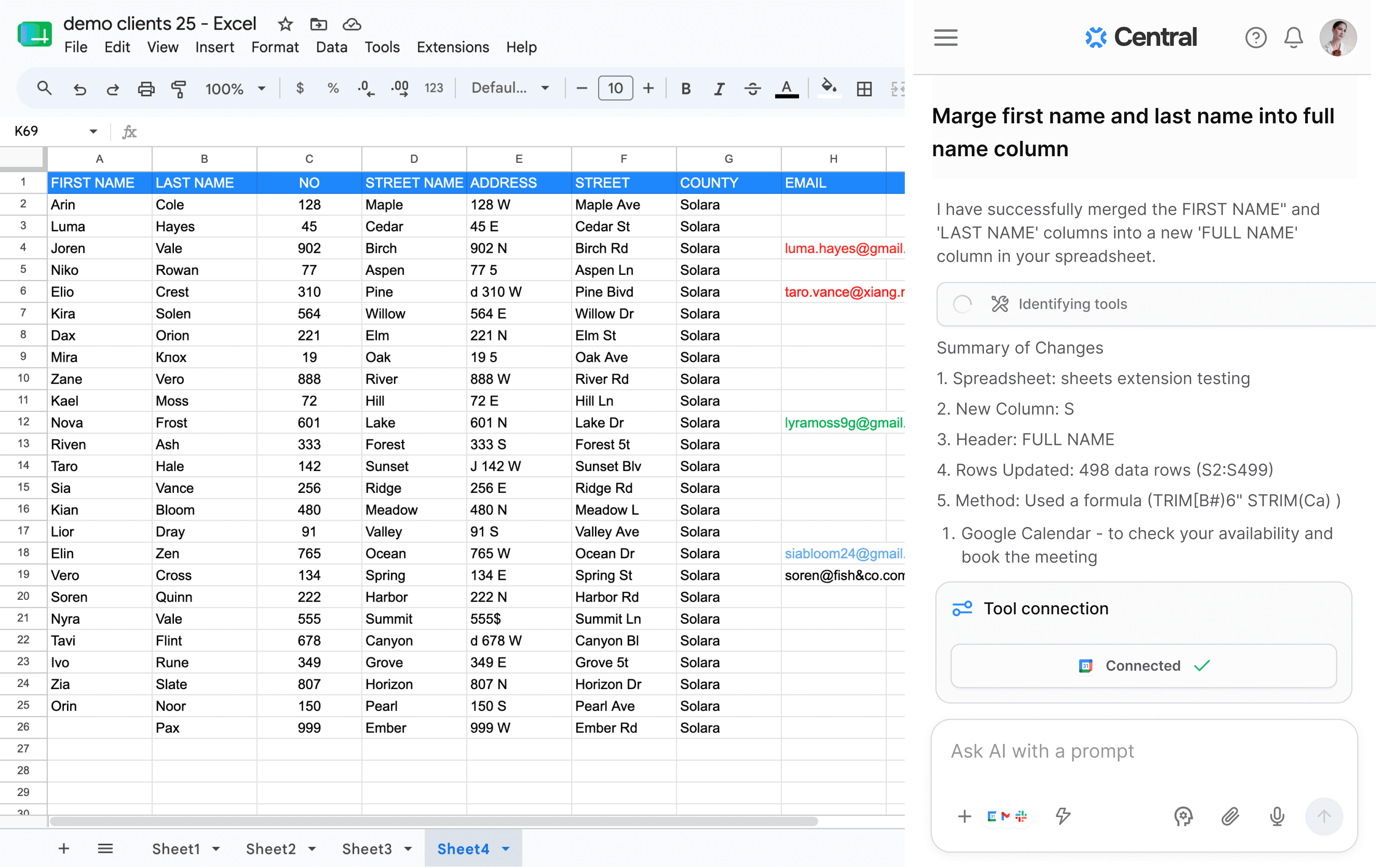
Merge first and last name columns, split addresses, convert date formats, restructure fields — Ask Central shows you exactly what changed and how, with a full summary of the method used.

Enrich

Enrich

POWERFUL CAPABILITIES

Smarter data with AI enrichment

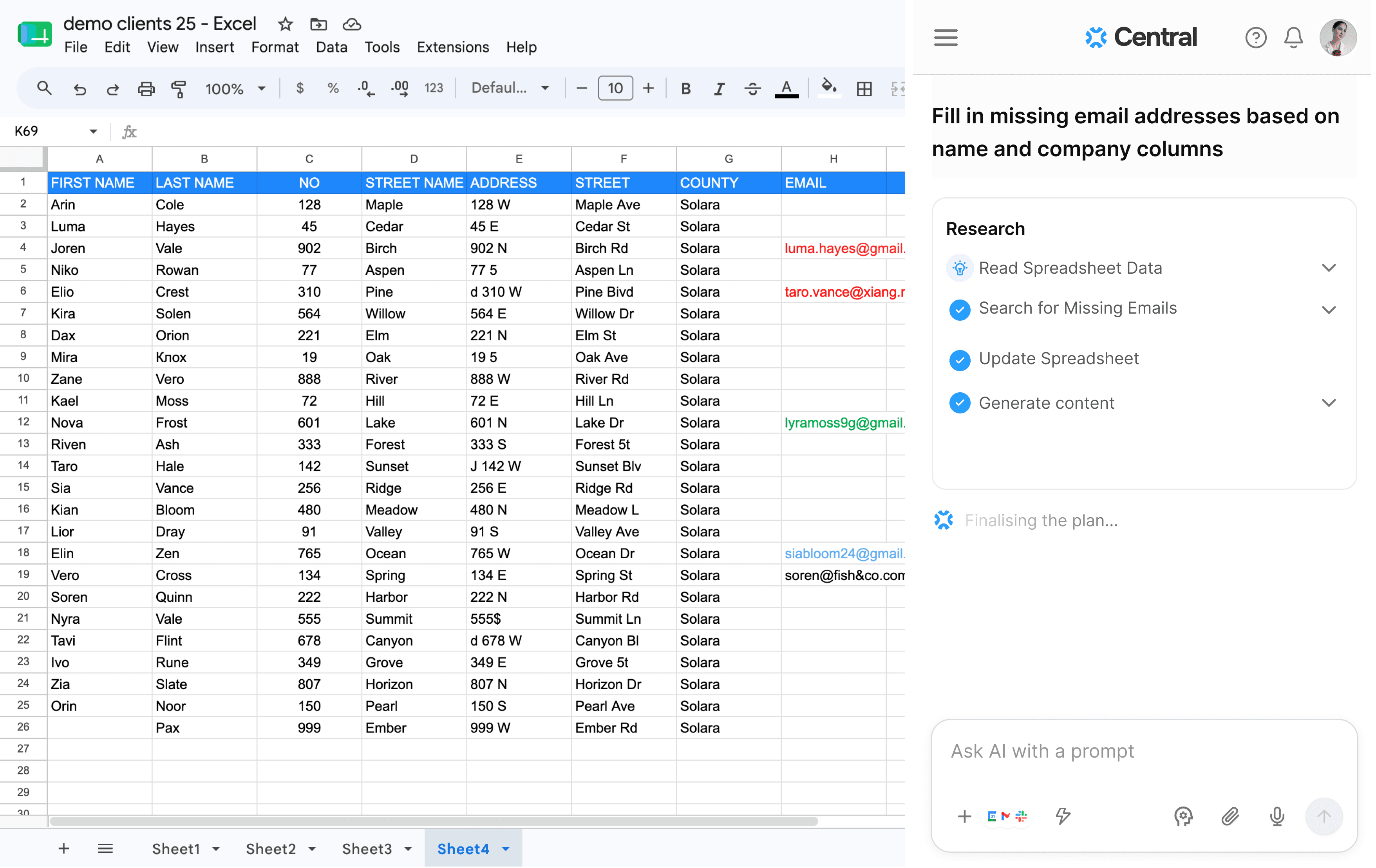
Fill in missing email addresses based on name and company, add country codes, find LinkedIn URLs — Ask Central reads your spreadsheet, searches for missing data, and updates your sheet automatically.

How it works

Open Sheets. Open the sidebar. Start asking.

No onboarding. No configuration. Ask Central reads your current sheet and acts on it.

Add the Chrome extension

One click from the Chrome Web Store. It adds a sidebar to every Google Sheet you open. No signup wall — start with the free tier instantly.

Type what you need

Write a natural-language prompt like "remove rows where email is blank" or "import my HubSpot contacts." Pick from quick templates or write your own.

Watch it happen

Central executes directly on your sheet — cleaning, enriching, analyzing, or reformatting. Preview changes before applying, or insert them straight away.

How it works

Open Sheets. Open the sidebar. Start asking.

No onboarding. No configuration. Ask Central reads your current sheet and acts on it.

Add the Chrome extension

One click from the Chrome Web Store. It adds a sidebar to every Google Sheet you open. No signup wall — start with the free tier instantly.

Type what you need

Write a natural-language prompt like "remove rows where email is blank" or "import my HubSpot contacts." Pick from quick templates or write your own.

Watch it happen

Central executes directly on your sheet — cleaning, enriching, analyzing, or reformatting. Preview changes before applying, or insert them straight away.

Built for teams that live in Sheets

Built for teams that live in Sheets

From quick fixes to deeper analysis

Sales Ops

Clean CRM exports, dedupe lead lists, and enrich contacts with missing emails and phone numbers.

Sales Ops

Clean CRM exports, dedupe lead lists, and enrich contacts with missing emails and phone numbers.

Marketing

Prep campaign lists, analyze channel performance, and tag audiences at scale.

Marketing

Prep campaign lists, analyze channel performance, and tag audiences at scale.

Finance

Reconcile transactions, flag outliers, and generate reports from raw data

Finance

Reconcile transactions, flag outliers, and generate reports from raw data

Your data analyst is one install away.

Add the Chrome extension and put an AI-powered analyst inside every Google Sheet you open. Free to start no credit card required.

Your data analyst is one install away.

Add the Chrome extension and put an AI-powered analyst inside every Google Sheet you open. Free to start no credit card required.